

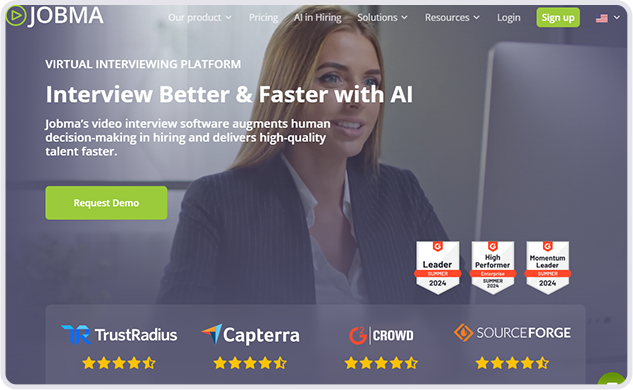

Jobma is an innovative AI video interviewing platform trusted by companies across the globe. It empowers hiring teams to screen candidates efficiently through one-way video and audio interviews, coding assessments, and collaborative tools—all within a single, intuitive interface.
Learn how to quickly connect Jobma with Reveal and start running background checks in just a few clicks.
Step 1: Log into both Jobma and Reveal accounts, then in Jobma, go to Integrations and select Reveal.
Step 2: Enter your Reveal API Key in Jobma and copy the Jobma IP address.
Step 3: In Reveal, go to Developer Console > IP Whitelisting and add the copied IP address.
Step 4: In Reveal, copy the API Token from the Keys section and paste it back into Jobma.
Step 5: In Jobma, navigate to Applicants > Evaluate and select a candidate.
Step 6: Click on Background Check and choose Reveal from the dropdown menu.
Step 7: Select the background check package, create the invite, and click Save.
Step 8: Once the candidate completes the check, the status updates and you can click View Report.
You’re All Set! Integration is complete—reach out to Jobma support if you need assistance.
We’re here to assist you every step of the way.